
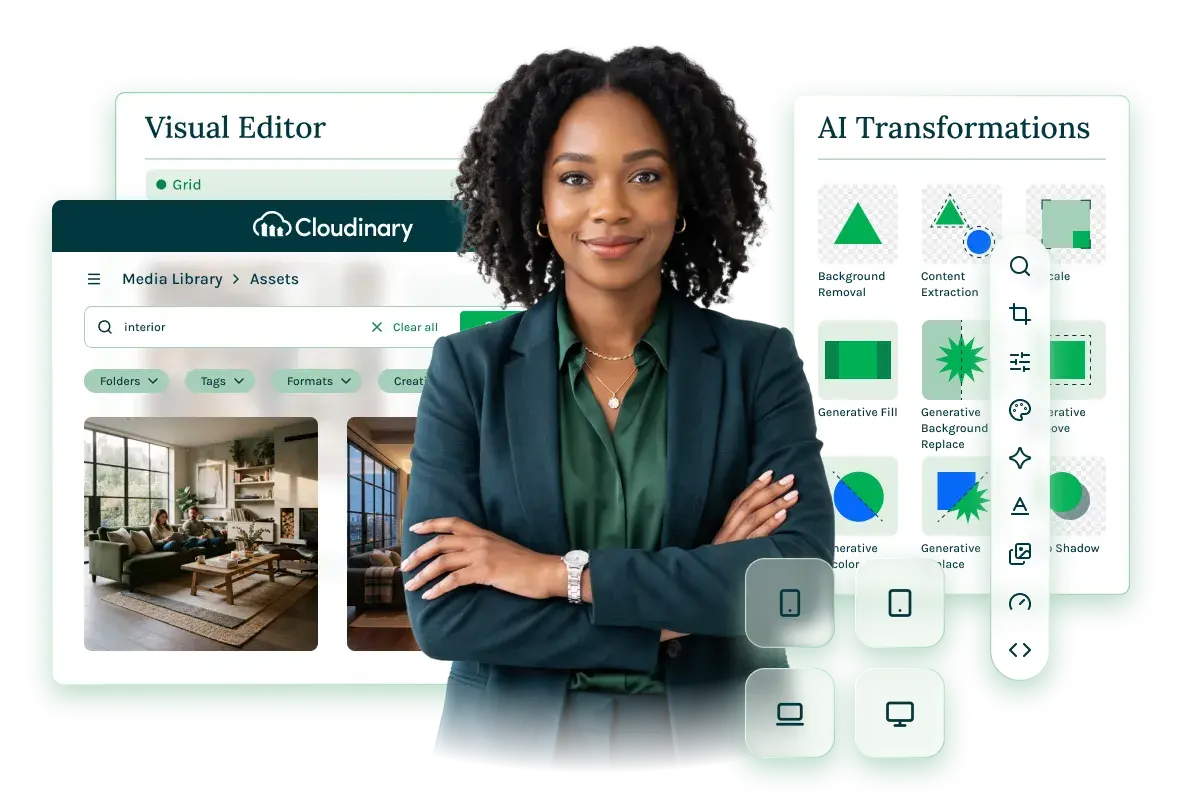
- Seamless Workflow Integration
Browse and insert Cloudinary assets without leaving Magnolia.
- Dynamic Asset Transformation
Automatically deliver responsive assets across all devices without extra steps.
- AI-Powered Image Editing
Apply smart cropping, background removal, and resizing right inside the editor.
Manage your Cloudinary assets—without ever leaving Magnolia.
Finding the right asset shouldn't mean leaving your content workflow. When Cloudinary and Magnolia are connected, your editors don’t need to. Whether you're managing a global media library or delivering responsive assets across decoupled frontends, Cloudinary for Magnolia brings best-in-class digital asset management directly into the editorial experience, so your team moves faster without losing control.
Seamless Workflow Integration
Find the right asset without leaving your content
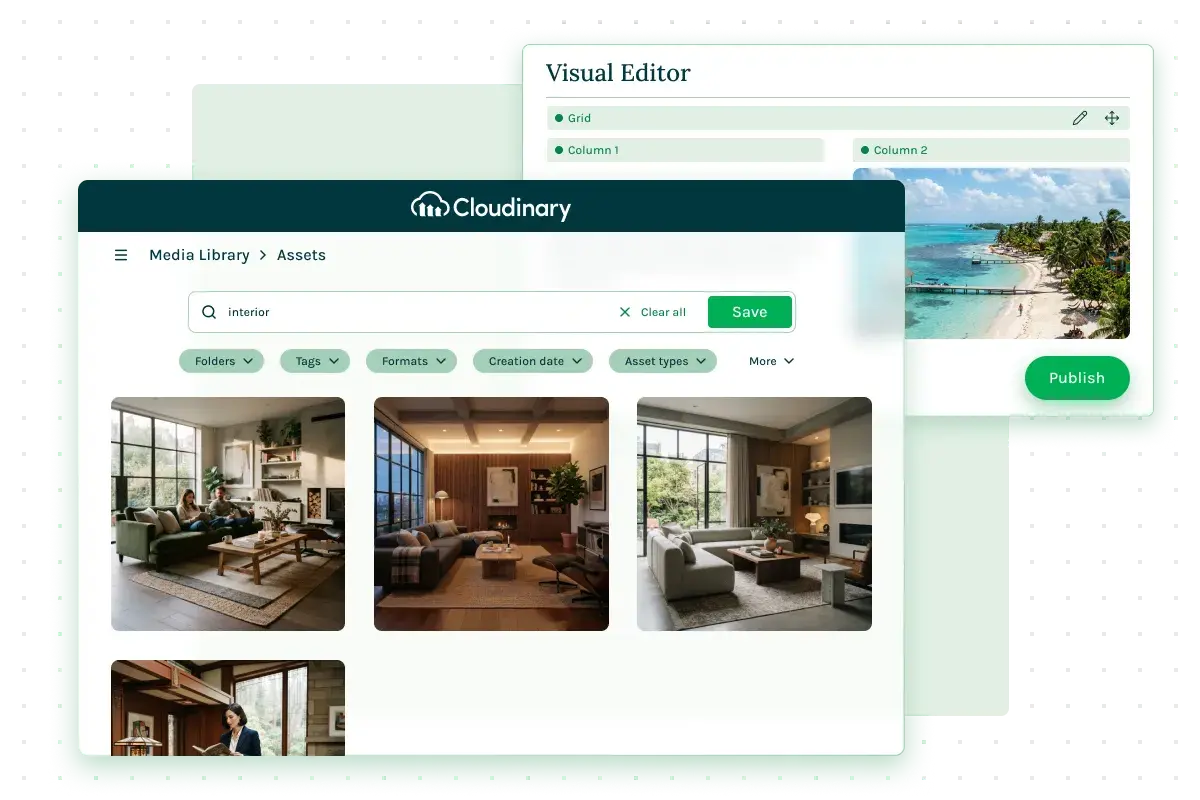
The Cloudinary interface opens directly inside Magnolia, no tab switching, no copying asset IDs, no interruption. Editors search, filter, and insert assets without breaking their content flow, and what they see in the WYSIWYG preview reflects what goes live.
- Native in-editor access: The full Cloudinary library is available directly inside the Magnolia editor. Search, filter, find the right asset, and click Insert, all in one place.
- SSO-enabled, zero friction: Single sign-on means editors access their Cloudinary library with no separate login, keeping them focused on the content, not the tooling.
- True WYSIWYG preview: Back in Magnolia, the asset sits in context alongside the rest of your content. The preview is fully aware of it, what editors see is exactly what goes live.
DYNAMIC ASSET TRANSFORMATION
One asset, delivered right for every layout and device.
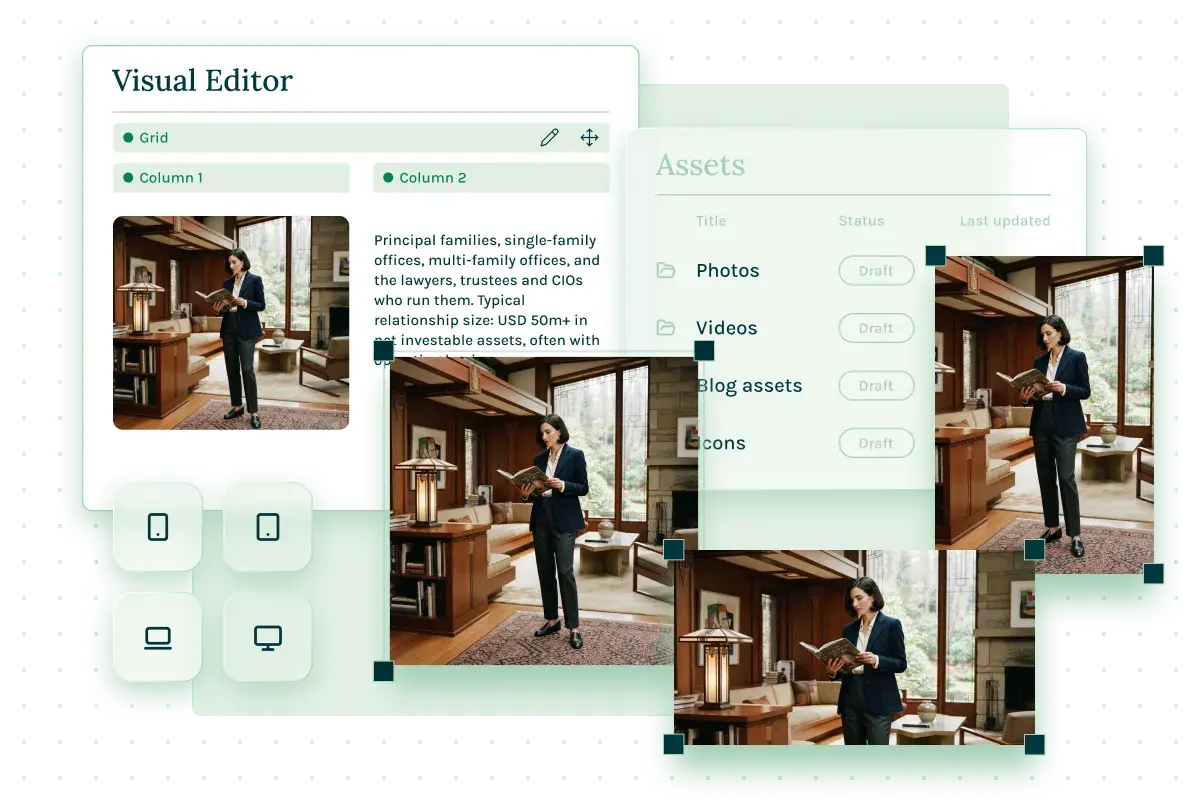
Delivery is automatic. The frontend requests the right rendition for each layout and device size, the same asset, served differently. When a specific presentation is required, editors select a Cloudinary template and apply it. The same template system adapts across campaigns and markets with no separate workflows and no duplicate assets.
- Automatic responsive delivery: The frontend requests the right asset for each layout and device. No manual resizing. No duplicate uploads. No extra editorial steps.
- Template-driven consistency: Editors select a Cloudinary transformation template and apply it directly; the same template adapts across campaigns, markets, and regulatory requirements without creating asset sprawl.
- One source, every context: A single asset can serve multiple channels and formats, keeping your media library clean and manageable as content scales.
AI-Powered Image Editing
Transform images intelligently, without leaving the workflow.
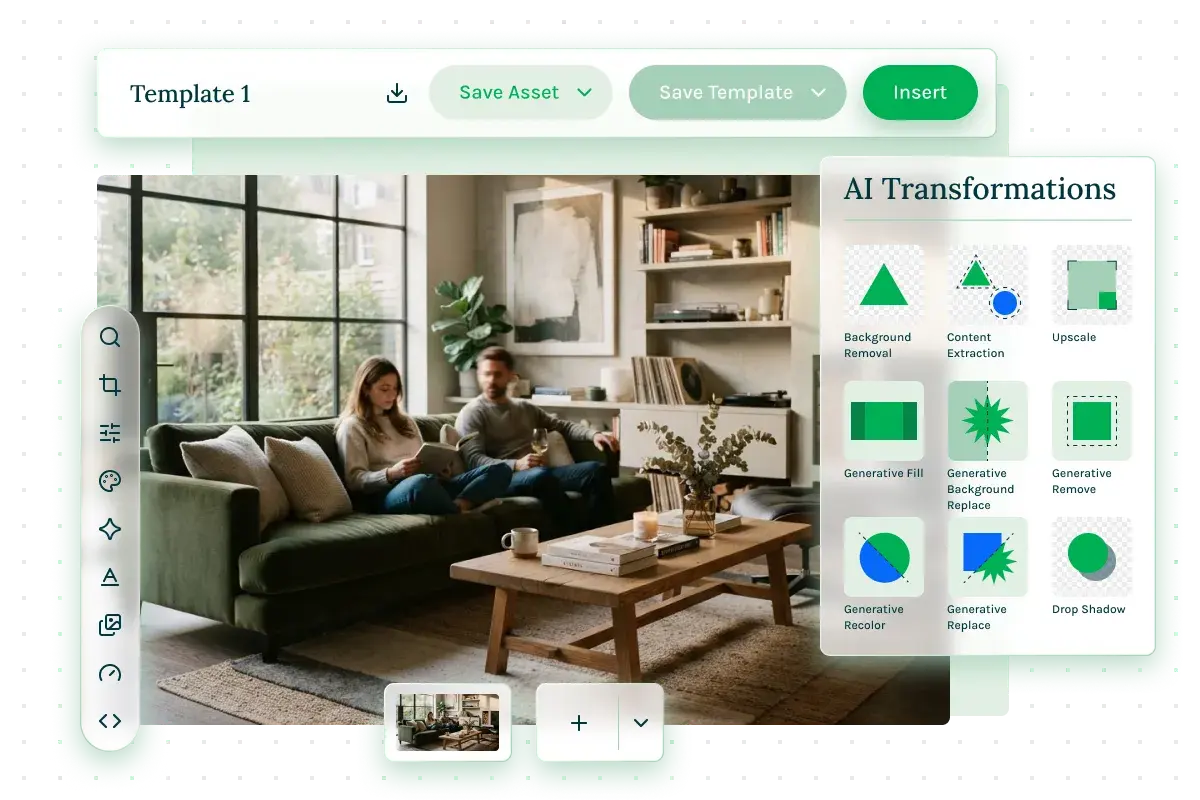
When the source image needs work, Cloudinary's AI handles it- background removal, focal point cropping, object-aware resizing, and more- applied directly inside the content workflow, reducing the need to open a separate tool or wait on a designer for common transformations.
- Background removal: Automatically isolate subjects from backgrounds to produce clean, versatile assets ready for any context or campaign.
- Focal point cropping: Smart cropping keeps the subject in frame across crop sizes and device dimensions.
- Object-aware resizing: Content-aware resizing adapts images intelligently, preserving the elements that matter with minimal manual intervention.
Case Studies
Stories of scale and success


Talk to our experts
See the Magnolia & Cloudinary Connector in Action
Talk to our experts for a tailored demo showing how this integration streamlines asset management and fits your specific tech stack.
- Access and manage Cloudinary media directly inside Magnolia
- Deliver optimized assets automatically across every layout and device
- Empower editors with AI image editing and instant live previews
Do you have more questions? See our FAQs
FAQs